DragginMath : Interactive Algebra for your iPad
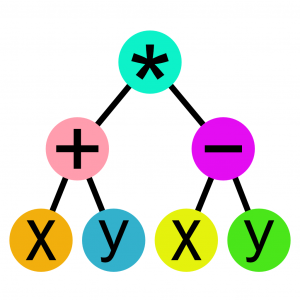
Learning algebra is the biggest intellectual leap most people ever attempt. So many things have to come together for this to work. Even with generations of teaching tradition supporting the effort, the failure rate is high.
DragginMath has something new to offer.
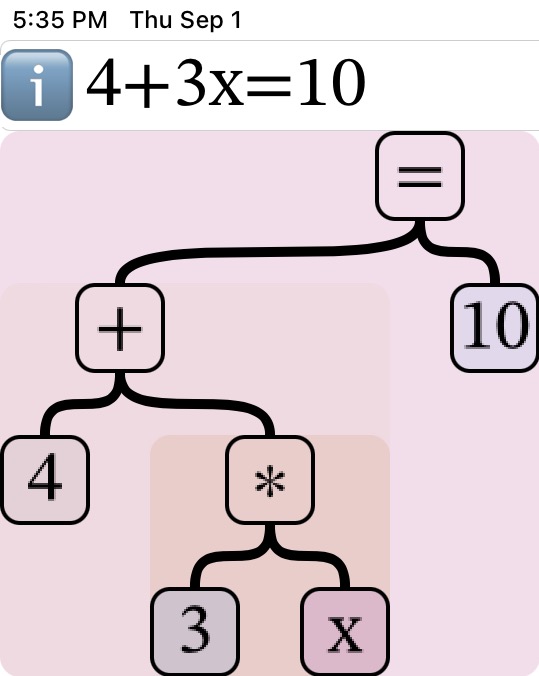
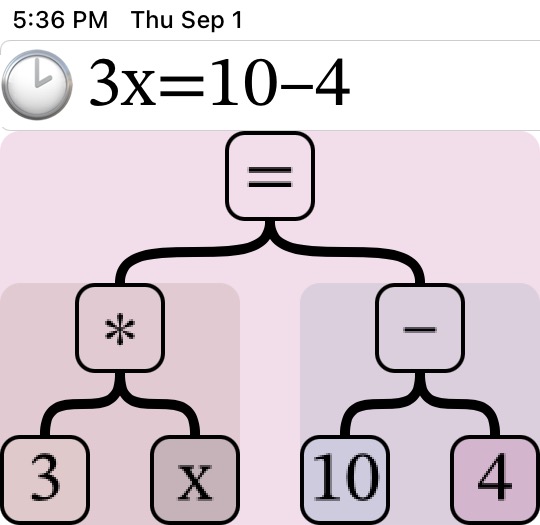
Convert equations into interactive pictures. See their internal structure, then manipulate that structure directly by dragging math around on your screen. Commute, associate, distribute, factor, simplify, and solve. With this iPad/iPhone app, you can do an astonishing amount of algebra in equations from any source, or get creative and invent your own.
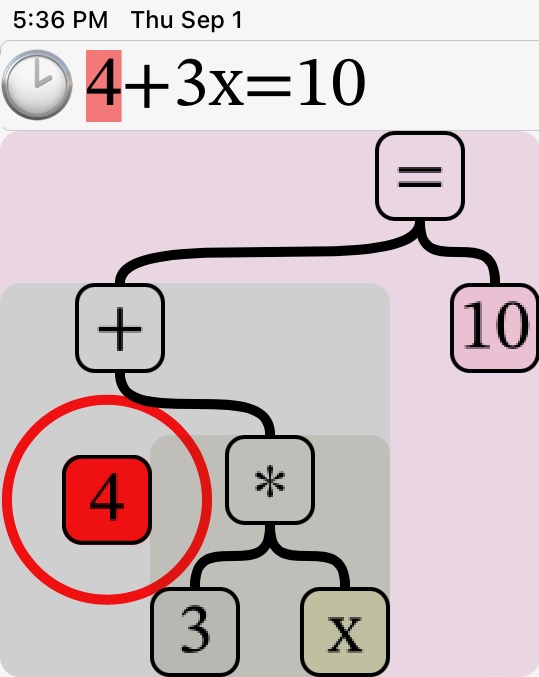
Do you or your students need help understanding the order of operations? Unsure what the various algebraic properties mean or how to use them? Is solving an equation just some arcane mystery? DragginMath lets users see and experiment with symbolic math concepts. They still have to direct the work themselves, but without burning through erasers or reams of paper, and without needing someone to check their work.
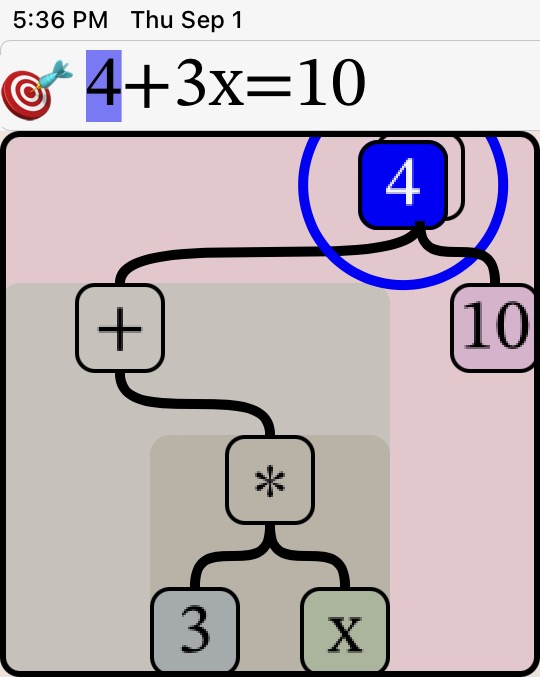
This is not a function-graphing app. Not restricted to a few limited examples or prepared problem sets. Not a toy, but still simple and fun to use. DragginMath is a professional-grade tool, but tailored for learning from the first hint of algebra in your elementary / middle / high school curriculum.
Curriculum-independent! If your textbook says “Algebra” somewhere in the title, DragginMath can help you teach it, or learn it. Optional game features engage those youthful competitive urges, and also give you an objective way to measure skills. If you are a teacher, you can make animated lessons just by using DragginMath as you normally would, then distribute them with homework, all within the app.
This is not a substitute for paper, but a Draggin-powered launch pad onto it. Make it downright difficult to fail. Move farther ahead with DragginMath ™️ from brising.com.
See the menu bar at the top of the page for more information. Questions? Click here. Or go to Apple’s App Store to get it now.
What Can DragginMath Help You Teach or Learn?
For generations, we were all taught a particular way to read equations. And here is something everyone always knew but didn’t want to say: that particular way never worked very well. DragginMath takes a different approach. It produces an algebraic picture that is simple, definite, and authoritative. You can see: “If I write this, it means that.” Watch DragginMath build these pictures as you type, character by character, step by step. See and understand the structure of math notation explicitly.
Traditional math-on-paper writes transformed equations line by line. This works well enough once you understand the math. But if you don’t already understand the math, this is an easy way to get lost. The failure rate in algebra proves that many students do get lost and never find their way. DragginMath takes a different approach. Users transform equations by dragging math symbols around on the screen, but only according to the rules of algebra. You can see: “If I do this, it becomes that.” And if you do something that doesn’t make sense, nothing happens. Experiment without risk, and receive confirmation of success immediately.
If you are new to algebra, DragginMath can demonstrate algebraic properties for you in a more effective way. You can see things change from one form into another, and you are in control as you experiment. If you already know algebra, these transformations are now so easy to chain together in useful ways.
Some algebra apps show all the steps you could have done to solve a problem. But here’s the problem with that: you didn’t do them. With those apps, you didn’t even think them. All you did was copy them. To actually learn algebra, you need to be more involved. DragginMath does the writing and the rewriting, but you must tell DragginMath what to do, mostly by dragging things around on the screen.
If you are a teacher, DragginMath is a great video lecture aid. You can also make animated demonstrations and homework just by using the app as you normally would, then distribute them to your classes, all within the app. If you are a student, DragginMath is a great way to try things out and see what works. Algebra is a lot like a game. This app helps you understand the rules and use them to win. If you want, DragginMath can even keep score.
DragginMath is useful from before Pre-Algebra to beyond Algebra 2. It can do a lot of very sophisticated math, but it is aimed primarily at algebra students who are just getting started. Many students are frequently on the edge of failure, while some others are able to move ahead faster. DragginMath can help both kinds of student, and their teachers, too.
See the menu bar at the top of the page for more information. Questions? Click here. Or go to Apple’s App Store to get it now.
Is DragginMath Hard to Learn?
No. Algebra is already a big challenge to most students. It wouldn’t make sense for your learning tool to be difficult also.
Many aspects of DragginMath are truly obvious. Other aspects are obvious once you’ve seen them in action. A few features require some explanation. Mostly, to learn DragginMath, you need to learn algebra. They work together. That really is what it’s all about.
Students don’t usually learn DragginMath all at once. This app goes along with your existing curriculum. It doesn’t replace it. When a new property of algebra is introduced, DragginMath helps teachers present it. Simply attach an iPad to a classroom video projector and demonstrate the property using the app. Students learn DragginMath incrementally, along with the algebra. It becomes a natural progression. And keep this in mind: for today’s students, virtual environments like DragginMath are nothing exotic or new. They are taken for granted and expected to work. Learning to use these environments is second nature for them.
Teachers will want to learn DragginMath ahead of their students. Spend some time with the Guided Tour, and read the embedded info pages wherever you see ℹ️ in the app. To learn the rest of what you need to know, use the app to do some of the homework you assign. And don’t be surprised if DragginMath accidentally teaches you a few things about algebra you didn’t already know.
See the menu bar at the top of the page for more information. Questions? Click here. Or go to Apple’s App Store to get it now. The price is loosely linked to the price of a Big Mac at McDonald’s.